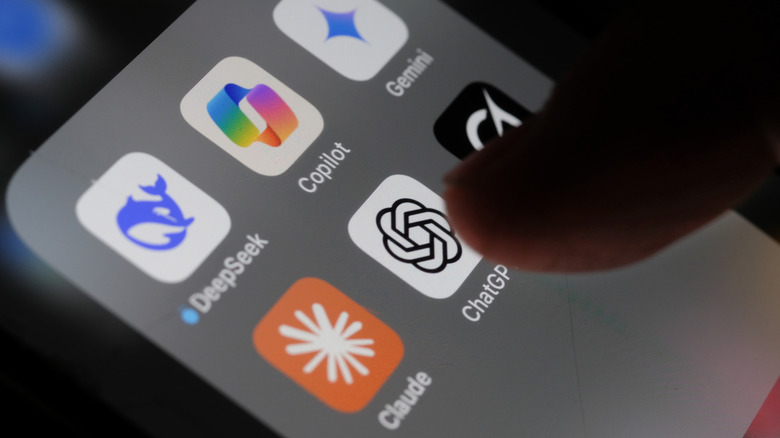
There are moments in technology that can be deemed revolutionary. The rise of the internet and the introduction of the iPhone are prime examples. While still in its early stages (ChatGPT debuted towards the end of 2022), it has already established a significant presence worthy of recognition.
ChatGPT functions like a digital Swiss Army knife. While such tools are immensely beneficial, they often come with design compromises. Although we can’t claim that ChatGPT operates under a flawed design, it does exhibit some traits typical of multi-tools: being somewhat versatile but lacking specialization in certain areas. There are upgrades ChatGPT must implement by 2026 to enhance functionality.
To overcome some of these limitations, utilizing other apps alongside ChatGPT can enhance your experience significantly. It is important to note that we are not discussing integrations with ChatGPT; instead, we are focusing on completely separate tools that can complement its capabilities to improve user experience.
We selected open-source applications that are freely available, all of which were tested in a Windows setup. These tools are not intended to replace ChatGPT; rather, they serve to fill in gaps and enhance everyday tasks, whether for research or general use of the platform.
Joplin: Simplifying Your Note-Taking
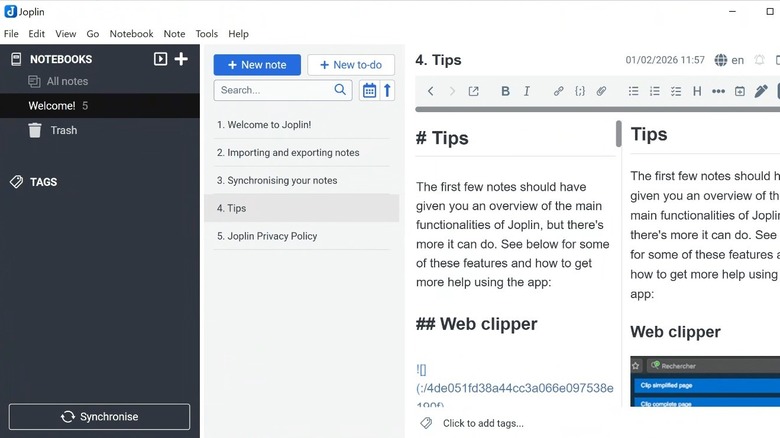
For anyone who has engaged in lengthy conversations with ChatGPT, it becomes apparent that one glaring flaw is its inability to retain information after a session concludes. Its organizational capabilities are lacking, which often leads to inefficiencies, such as scouring through previous conversations in search of specific details or having to re-ask questions. This can be particularly frustrating for research when time is of the essence.
A focused note-taking application can fill this gap effectively. We suggest Joplin, a free and open-source solution that works seamlessly with ChatGPT. Its strength lies in what ChatGPT lacks—reliable information storage and easy retrieval. Joplin is also a standout in our list of essential apps for Windows users.
Rather than treating conversations as fleeting exchanges, Joplin enables you to record valuable prompts, replies, outlines, and budding ideas before they vanish into an scrolling abyss.
In terms of workflow, the process is straightforward. Use ChatGPT to brainstorm, generate notes, or investigate a concept. After producing valuable content, you can copy and organize the output within Joplin for easy access later.
ShareX: Capturing Your Workflow
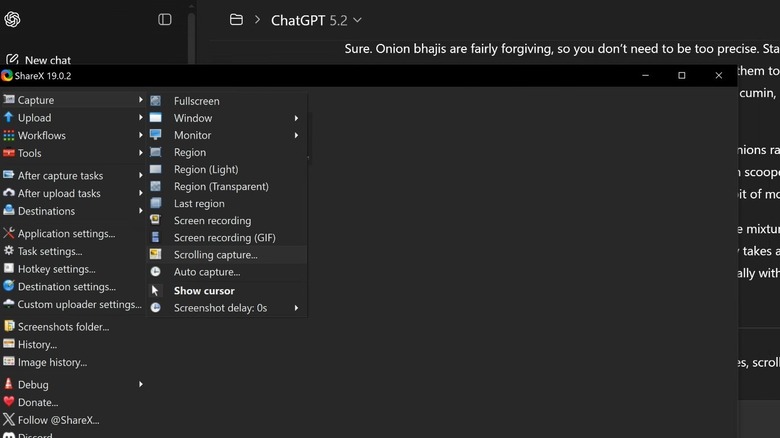
A less recognized limitation of ChatGPT is that once a conversation ends, there is minimal documentation remaining. While you can ask for a recap or for it to rephrase your inquiries, this doesn’t equate to having tangible evidence of the dialogue. For those looking to document a process, create guides, or merely track how a decision was reached, this lack of visual proof can be a major hurdle.
This is where ShareX comes to the rescue when paired with ChatGPT. ShareX is a free, open-source screen-capturing software for Windows that facilitates easy recording of what’s on your screen. This tool can capture any interaction, whether it’s a singular response or a comprehensive workflow.
When used with ChatGPT, it provides a way to preserve otherwise transient moments. This is especially valuable when you need to clarify how something was executed instead of merely recounting it afterward. Screenshots can also assist in revisiting prior tasks without depending on memory or endless scrolling through history.
In essence, ShareX serves a similar purpose to Joplin, although it focuses more on capturing the process of the chat rather than the content produced.
Zotero: Your Personal Research Assistant
Each ChatGPT interaction includes a warning stating, “ChatGPT can make mistakes. Verify critical information.” This is a crucial reminder, as many users have learned when faced with inaccuracies stemming from ChatGPT’s outputs.
In essence, while ChatGPT is adept at explanations, it’s not particularly reliable when it comes to verification. For some users, this may not be a significant concern, but for any research endeavor where accuracy is paramount, this presents a serious drawback.
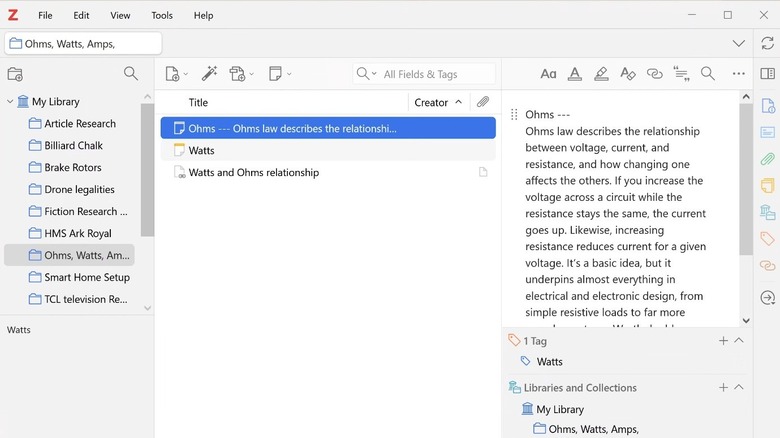
Here’s where Zotero fits perfectly when used alongside ChatGPT. Zotero is a free, open-source tool that serves as a personal research assistant. It is designed to gather, organize, and cite legitimate sources, which can be aggregated into your research from various formats such as PDFs, reports, academic articles, and web pages (a Zotero Connector browser add-on makes this process seamless). This application is particularly valuable for students as well.
You can leverage ChatGPT to brainstorm initial concepts, devise a plan for research, draft outlines, and identify areas needing factual support (always wise to confirm this with a human check, as one lawyer discovered the hard way).
Zotero then acts as a centralized hub for all your research materials. Over time, this functions as a comprehensive library of legitimate sources that can not only bolster current work but also be revisited and expanded upon as future projects arise.