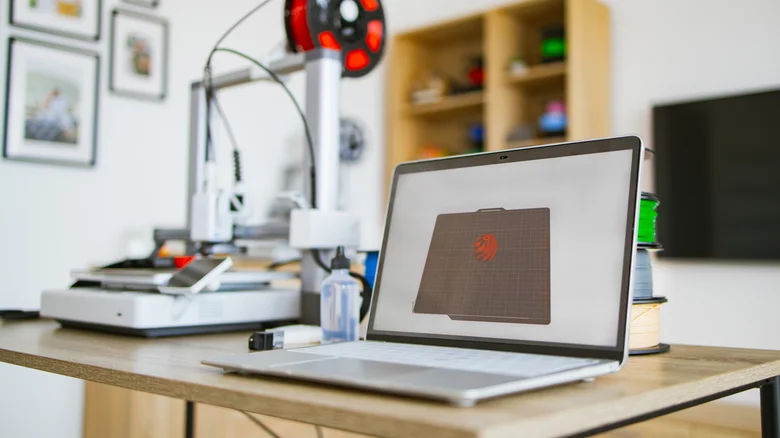

While laptops offer remarkable functionality, they aren’t always flawless. Over time, they can incur damage or may not possess certain desirable features. Fortunately, a selection of ingeniously crafted accessories can be produced through 3D printing, resolving both issues efficiently. These accessories are generally compact and uncomplicated, meaning you don’t require a high-end 3D printer to create them, although using one may enhance the quality of your output.
For touchscreen laptops: Stylus holder

Many contemporary laptops are equipped with touchscreens, enhancing user interaction beyond traditional input methods like the mouse and keyboard. For instance, Framework, a brand known for making upgradable laptops, offers a touchscreen variant within its 12-inch model, which can be paired with a stylus. However, lack of a dedicated storage place for the stylus means users often need to carry it separately, heightening the risk of misplacement.
Here’s where a 3D printer steps in. By creating a stylus USB holder, designed by Aikhae, you can fashion a convenient attachment for your laptop to keep the stylus close at hand. This holder utilizes one of the laptop’s USB ports, rendering it a straightforward fix. Before getting started, ensure you check that the holder’s dimensions fit your stylus (the model was previously tested on the Wacom Bamboo Ink gen 2). It’s also wise to verify that the printed accessory won’t cause any damage, as having an ill-fitted piece could lead to complications inside your USB port.
For laptops prone to overheating: Ventilation feet

A number of laptops feature ventilation holes on their underside, a design element often questioned due to its frequent blockage when placed on flat surfaces. To combat the problem of stagnant hot air, increasing the device’s height from its resting place can facilitate proper airflow around these vents.
You might consider producing a laptop stand, ideal for novice 3D printers; however, if you prefer a more compact solution, the Support legs designed by Maxmaia make for an excellent and minimalist choice. These add-ons raise the device slightly, permitting ample air circulation for its vents to function effectively. Although many other small plastic components could also do the trick, a well-designed vent-supporting print ensures the laptop’s stability as well.
For delicate laptops: Protective covers

No matter how robust certain laptop brands may seem, regular usage leads to inevitable wear and tear. Hinges can weaken, casings may crack, and the laptop’s top section can become disconnected from the base. If replacement isn’t a viable option, or if you wish to hold onto a device for sentimental reasons, bolstering its protection becomes essential.
Unfortunately, there isn’t a universal protection solution for laptops; however, by utilizing 3D printing, you can create specific protective gear for your make and model. A user named HeyVye on Thingiverse has developed a series of protective corners for the MSI GS73, comprised of four components that wrap around the device’s edges. Such a design helps in safeguarding the laptop from opening unexpectedly during drops, thus preserving both the screen and keyboard. Additionally, these protective parts can function as ventilation feet, although their specific shape may not be suitable for all laptops.
For visually impaired laptop users: Braille tiles/keycaps

Applying these tiles, however, can pose challenges. Although there are specialized braille keycaps available, numerous laptops might not support them due to specific size and shape requirements. This could mean resorting to gluing the tiles onto the keys, which may further prevent the laptop from closing completely, influencing its portability.